

Automated Reconciliation
Match transactions, close books faster, and eliminate manual reconciliation errors through a single, structured Reconciliation workflow.
Features
What Reconciliation Handles
The Reconciliation workflow is designed around real, day-to-day finance close operations, including:
How Reconciliation Works
A structured flow designed for consistency and control
1
Transaction data is ingested from banks, ERPs, and ledgers
2
AI recon engine applies configured rules to pair entries
3
Exceptions are surfaced with context for manual review
4
Reviewed items are approved and cleared by authorized users
5
Reconciled balances are locked and audit trail is generated
Visibility & Controls
Reconciliation provides continuous oversight without slowing you
- Real-time status of matched, unmatched, and disputed items
- Clear visibility into open items by account, entity, and period
- Exception tracking with transaction-level context
- Complete audit trail for every reconciliation action
- Role-based access and approval controls
- Configurable tolerance thresholds to auto-clear near-matches
Support
Support and Integration
Seamless Integration — Reliable Support
Connect Finfutr's Reconciliation workflow with the tools your finance team already runs on - and get expert help every step of the way.
Harness the Power of Seamless Integration
VapusData's Finfutr plugs directly into your ERP, banking, and accounting stack - SAP, Oracle, Tally, Zoho Books, Razorpay, and more - so your transaction data flows in automatically, without manual exports or uploads.
- Sync bank invoices and ERP data in real time
- Reconcile across multi-entity and multi-currency structures
- Maintain governance and data lineage across every connected source
- Support hybrid and on-premise environments without custom engineering
24/7 Expert Support
Get round-the-clock access to experts ensuring seamless performance, fast troubleshooting, and continuous optimization. We ensure smooth implementation, and tailored solutions to meet your business needs.

Intelligent Performance Optimization
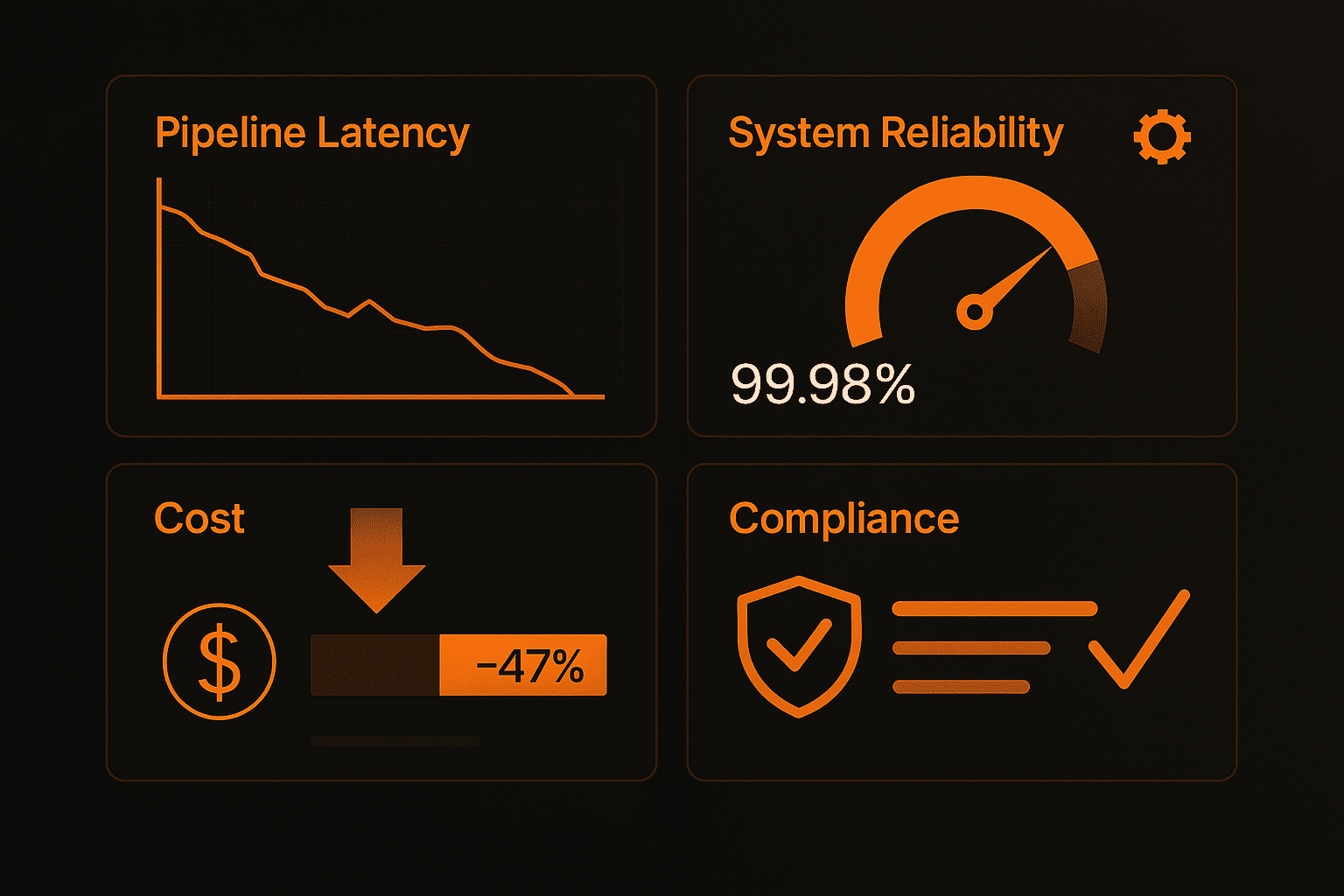
Track match rates, exception volumes, and close cycle duration over time. Matching rules self-improve based on resolution patterns, reducing manual intervention with every close
Help Center
FAQs
Quick answers to questions you may have. Can't find what you're looking for? Check out our full documentation.
Reconciliation is the process of verifying that two sets of financial records agree with each other - for example, your internal ledger against your bank statement. When they don't match, it signals an error, a missed transaction, or potential fraud. Without a structured reconciliation process, businesses risk paying the same invoice twice, missing payments, filing incorrect taxes, or closing books with hidden discrepancies.
Automated reconciliation means the matching, flagging, and status tracking that finance teams previously did by hand - row by row across spreadsheets - is handled by software. Rules are configured once, and the system runs them against incoming data automatically, surfacing only what needs human attention.
Every reconciliation action - match, override, rejection, sign-off - is logged with user, timestamp, and reason. You get a complete, tamper-proof audit trail that's ready for internal review or external audit at any time.
Yes. Finfutr ingests data from multiple banks, ERPs, and ledgers simultaneously and reconciles them against each other using your configured rules. You don't need to export or consolidate files manually before starting a run.
Most finance teams cut their close cycle by 80–90% in the first quarter of use.
Automated matching, exception flagging, and built-in sign-off workflows eliminate the back-and-forth that stretches manual closes across days or weeks.
Reconciliation that actually keeps up with your business
Reduce your closing cycles from weeks to days - without compromising accuracy or control.